
What members can do
- Make golf bookings
- Check statements
- View handicaps
- Receive club notices and promotions
- Access other useful club information
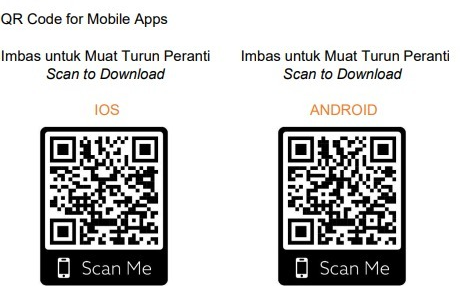
On iPhone
- 1Open the App Store on your iPhone.
- 2Tap Search.
- 3Type “Johor Golf”.
- 4Look for the official app named Johor Golf.
- 5Tap Get to download the app.
- 6Open the app and follow the instructions to register.
- 7Complete your profile in the app.
On Android
- 1Open the Google Play Store on your Android device.
- 2Tap the Search bar.
- 3Type “Johor Golf”.
- 4Select the official Johor Golf app.
- 5Tap Install.
- 6Open the app and follow the instructions to register.
- 7Complete your profile in the app.
Need help? Message the club on WhatsApp or see the privacy policy.